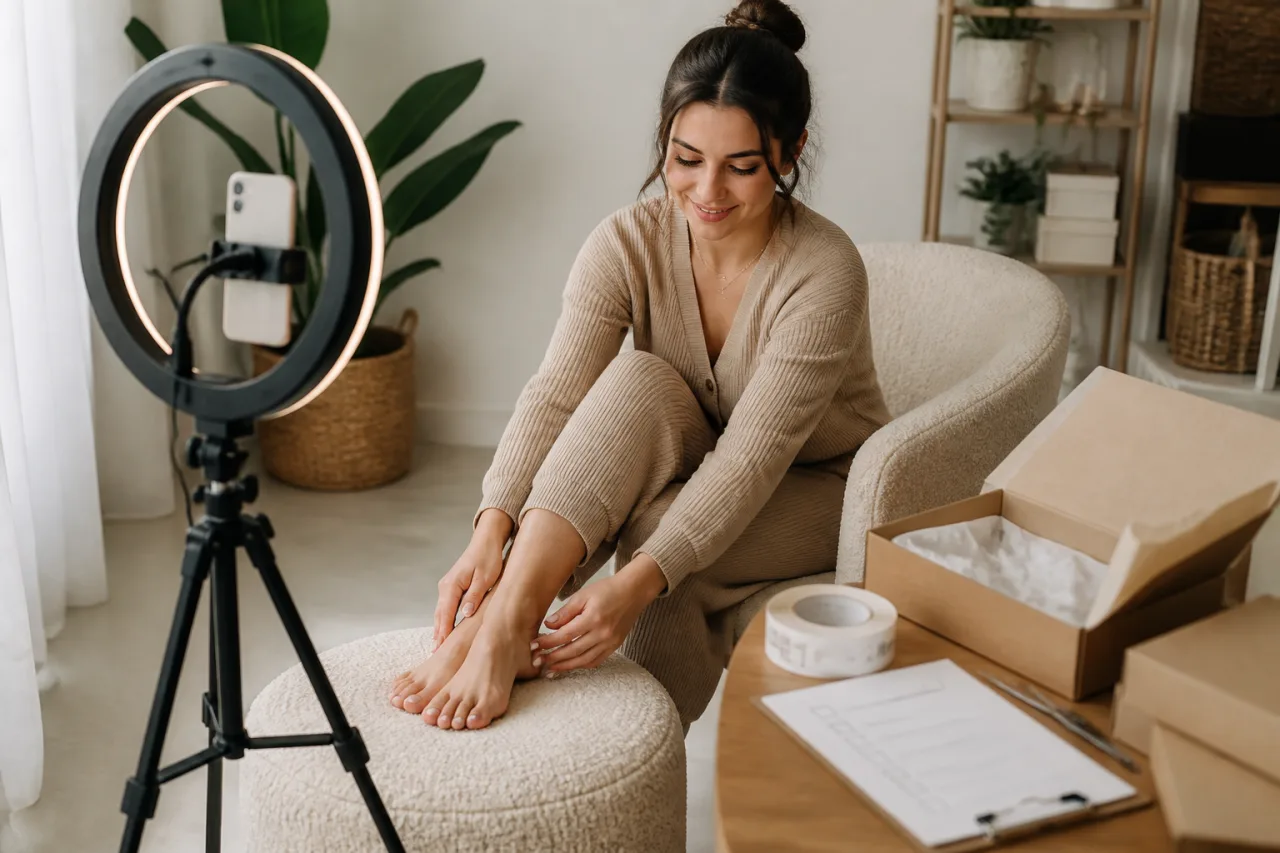
A buyer asks for five simple photos. Then “one quick variation” becomes three extra poses, a different outfit, same-day delivery and a request to reshoot because the background isn’t quite right. What looked like a straightforward custom order has quietly doubled in size.
A written process stops that creep before you take a single photo. It puts the exact deliverables, price, deadline, usage rights and revision limits in one place, while giving both sides a clear record of what was—and wasn’t—agreed.
This guide walks adult sellers through turning a message into a precise brief, screening unsafe requests, collecting payment, protecting identifying details and delivering files securely. You’ll also get practical wording for boundaries, revisions and polite refusals when an order doesn’t feel right.
Why custom orders need a process, not a casual DM
A buyer messages asking for “five simple barefoot photos on a white background.” It sounds straightforward, so you agree. Ten minutes later, they add two close-ups, ask for three different poses, and mention that they need everything by tonight. After you send the set, they want the lighting changed, a prop added and several images reshot because the result “isn’t quite what I pictured.”
That five-photo order has quietly become a rushed 12-photo job with multiple editing rounds. The problem isn’t necessarily a difficult buyer. It’s that neither person defined what was being purchased.
A casual DM is fine for the first enquiry, but it shouldn’t be the entire agreement. Before taking any photos, move the request into a simple written feet pics order process. You need one message or order record that states exactly what you’ve agreed to create, what you won’t create, the total price, the delivery date and what happens if the buyer changes the request.
This protects consent as much as payment. Agreeing to photograph one pose doesn’t mean agreeing to progressively more intimate variations, specific language or additional interaction later. Written scope gives you a clear point of reference: “That wasn’t included in the agreed order, but I can decline it or quote it separately.” You don’t have to negotiate your boundaries again each time the buyer has a new idea.
Buyers benefit too. They can see how many finished images they’ll receive, the expected style and orientation, the file type, and the date delivery is due. If they’ve paid for six edited images by Friday, they aren’t left wondering whether “soon” means tomorrow or next week.
Keep the record inside the marketplace or communication channel used for the sale where possible. Platforms such as Feetpik provide on-platform messaging, though they charge fees and commission; the important part here is having a dated written trail rather than relying on memory, disappearing messages or a vague voice call.
Nothing needs to read like a legal contract. A short summary followed by “Please confirm this is correct before payment” is enough to catch most misunderstandings. Don’t start shooting until both sides have approved the same scope. Five careful minutes at this stage can prevent an hour of unpaid reshoots later.
Set your non-negotiable boundaries before taking requests
Decide your limits before a buyer starts negotiating. Keep them in a private note rather than relying on memory in the middle of a conversation. Boundaries made under pressure tend to move.
Only sell feet pictures if you’re legally an adult where you live. If you’re under 18, don’t create, advertise or accept payment for this type of content, even if a buyer claims the request is harmless.
Create a simple yes, no and maybe list
Split a page into three columns and make each entry specific. “No uncomfortable requests” is too vague to be useful; “no food props, written messages on skin or poses involving another person” gives you a workable rule.
- Yes: List the poses, angles, footwear, nail colours, clothing and ordinary props you’re comfortable using. Add your normal turnaround, such as three to five business days, and the contact methods you’ll accept.
- No: Record firm limits, including prohibited clothing, props, themes, language or subjects. You might exclude humiliation, bodily fluids, age-related roleplay, pain, outdoor shoots or requests involving anyone else.
- Maybe: Put requests that need context here. For example, you may accept ankle jewellery but not personalised initials, or outdoor photos only in a private, non-identifiable setting.
Set practical limits too: no phone calls, no personal social accounts, no same-day orders and no off-platform contact, for example. A buyer’s budget doesn’t change these rules.
You also don’t owe anyone a detailed justification. “That request is outside my boundaries, so I won’t be able to accept it” is enough. Don’t let repeated questions turn a clear no into a negotiation.
Keep identity and location out of the frame
Choose in advance which identifying features will never appear. That may include your face, voice, tattoos, scars, birthmarks, jewellery, distinctive clothing or anything showing your legal name.
Apply the same rule to your surroundings. Family photographs, certificates, post, house numbers, views from a window and recognisable décor can reveal more than expected. If a requested angle would expose them, change the setup or decline it.
Keep buyer communication inside your chosen business channel, such as a marketplace inbox or separate business account. Don’t share your personal number, home address, workplace, daily routine or usual shooting location to make a custom order feel “more authentic.”
Turn the buyer's message into a precise written brief
A message like “Can you do a few variations in heels?” isn’t a usable brief. Before quoting, turn every vague detail into something you could check off during the shoot. “A few” might mean three images to you and 12 to the buyer.
Questions to confirm before giving a price
Copy, paste and adapt this intake message:
Custom order details
- Number of final images: [exact quantity]
- Orientation: portrait, landscape, square or a specified mix
- Pose or angle: [describe each requested setup]
- Footwear or styling: barefoot, socks, shoes, nail colour or other details
- Background: plain wall, bedding, floor, outdoor setting or another agreed option
- Props: [list each prop, including colour or size where relevant]
- File format: JPEG, PNG or another agreed format
- Resolution: full resolution or specific pixel dimensions
- Deadline: [date, time and time zone]
- Intended usage: personal viewing, reposting, commercial use or another purpose
Please confirm these details before I provide the final price.
Ask for references if a pose is difficult to describe, but don’t rely on an inspiration image alone. Write out what you’re agreeing to recreate and what will differ. If the buyer requests “several angles,” confirm something measurable, such as two overhead shots, two side views and one close-up.
Usage needs the same precision. “For my collection” suggests personal viewing, while posting the images on a website or using them in advertising requires different permission. Record the buyer’s stated use in the brief rather than making assumptions.
Send an order recap and require approval
Once the details are settled, send one clean recap. Don’t leave the final agreement scattered across 20 messages.
To confirm: this order includes eight JPEG images—four portrait and four landscape—with the two agreed poses, black heels, red nail polish, a plain cream background and no additional props. Delivery is due by 6 p.m. GMT on 14 August. The files are for personal viewing only. Please reply “Approved” if this is correct.
Wait for that approval before quoting. If anything changes afterward—even “just two more angles”—update the written brief first so the revised scope is visible to both sides.
Screen uncomfortable, unsafe or suspicious requests
An unusual request isn’t automatically unsafe. A buyer might ask for mismatched socks, a specific nail colour or an odd prop. If the request is legal, clearly described, possible to complete without revealing personal information and comfortably within your limits, it may simply be a niche creative brief.
The problem is behaviour that removes your ability to consent freely. Pay attention to how the buyer reacts when you ask a question or set a limit. A respectful buyer accepts “no” and either adjusts the request or moves on; an unsafe one pressures, insults, bargains against your boundaries or reveals more disturbing details bit by bit.
Red flags that should stop the order
- Any suggestion that a person shown is under 18, “barely legal,” school-aged or meant to look like a child.
- Requests involving coercion, threats, injury, intoxication, non-consent, illegal activity or secretly photographed people.
- Degrading instructions directed at you personally rather than a clearly agreed creative concept.
- Pressure to meet offline, share your address, switch to a private personal account or provide live location details.
- Boundary testing: asking for one prohibited detail, retreating when refused, then trying a slightly different version.
- Claims that you must send a “verification” photo or perform an unpaid task before the buyer will order.
Don’t investigate vague age references yourself. Pause the order and ask for clarification only if the ambiguity appears innocent. If the answer remains unclear—or the theme depends on youthfulness—decline it.
Keep your response short. Try: “I don’t accept requests with that theme, so I won’t be taking this order.” If they push back: “My decision is final. I’m ending this conversation now.” You don’t need to explain, educate or negotiate.
Document and report serious behaviour
Before blocking, preserve what the platform allows: screenshots showing the username, date, full request and any threats or attempts to evade rules. Don’t download illegal material or forward it to friends. Keep records in a private folder and use the marketplace’s reporting channel; Feetpik and other platforms have their own moderation procedures.
For a final message, use: “This request breaches my boundaries and has been reported. Do not contact me again.” Then block immediately. Credible threats, stalking, extortion or suspected exploitation should also be reported to the relevant local authorities or specialist reporting service—without continuing the conversation with the buyer.
Price the full job, including custom-order friction
Start with a base package, then price anything that adds time, cost or restrictions. A custom set should usually cost more than a similar pre-made set because you’re planning around one buyer, discussing details and producing images that may have little resale value.
Use add-ons instead of vague price increases
Publish or keep a private add-on list so your quotes stay consistent. “This request feels difficult” isn’t a useful pricing method. Specific charges are easier to explain and help buyers adjust the scope to fit their budget.
- Base package: for example, 10 images using one simple setup for $40.
- Setup complexity: add $10–$30 for detailed styling, multiple backgrounds or hard-to-recreate poses.
- Extra images: charge a fixed amount per image or sell blocks of five.
- Props: include purchase cost plus the time needed to source, prepare and clean them.
- Exclusivity: charge more if you can’t resell or repurpose the set. Depending on demand, this might add 50% to 100%.
- Rush delivery: add a clear fee, such as 25% for delivery within 24 hours.
Here’s how that might look: a $40 base package, five extra images for $15, a $12 prop and a 25% rush fee produces an $83.75 quote. State what’s included rather than sending a bare total: 15 edited images, one setup, one specified prop and delivery within 24 hours.
Don’t forget the communication load. A request involving reference images, several messages and precise staging can take an hour before the camera comes out. Build that admin time into the base custom rate or add a clearly named complex-brief fee.
Clarify personal versus commercial use
Standard pricing should normally cover personal viewing only. That doesn’t give the buyer permission to repost the images, use them in advertising, place them behind a paywall or present them as their own work.
Commercial use needs a separate licence and a higher fee based on where the files will appear, how long they’ll be used and how large the audience is. Limited use on one social account for 30 days should cost less than indefinite use across websites, ads and subscription pages.
Write the licence directly into the quote. If the buyer can’t explain the intended use, don’t assume personal use will be enough; ask for a precise answer before setting the final price.
Collect payment before you start shooting
Don’t buy props, book studio time or start taking photos on a promise to pay later. For modest custom orders, full upfront payment is the cleanest arrangement. If the total is $60, for example, collect the full $60 before doing the setup.
For larger jobs, use a clearly defined non-refundable deposit that covers your planning time and any order-specific costs. A 30% to 50% deposit is common, with the remaining balance due before you release unwatermarked, full-resolution files. State what happens if you can’t complete the order too.
Confirm what the payment covers
Put the amount and scope in the same written message or invoice. The buyer should be able to see exactly what they’re purchasing, including:
- the number of finished images;
- the agreed styling, props and deadline;
- any rush fee or usage licence;
- the deposit, balance and cancellation terms.
Marketplace checkout usually provides an order record, on-platform messaging and some form of dispute process, but it may also involve commission, payout delays or account restrictions. Direct methods can be quicker or cheaper, though you’ll need to maintain your own records and check what personal information the buyer can see.
Feetpik offers marketplace payment and messaging tools, but it’s a paid option that takes a commission on sales. Other specialist marketplaces and compliant direct-payment arrangements may also work. Processor rules, chargeback support, privacy protections and adult-content restrictions vary, so read the current terms before accepting money. Don’t assume non-explicit feet content is automatically permitted.
Treat payment screenshots as unverified
A screenshot saying “paid” proves very little. It can be edited, taken from a cancelled transfer or show a payment that’s still pending. Don’t begin work based on an image, forwarded email or buyer-supplied transaction number.
Log in through the payment service’s official app or website and confirm the funds appear in your account with the correct amount and status. Avoid links in payment emails, and remember that “received” doesn’t always mean chargeback-proof; keep the brief, invoice and message history in case the transaction is later disputed.
Shoot the order without exposing private details
Before the camera comes out, clear the shooting area properly. A “blank” wall can still reveal family photos, post on a noticeboard or distinctive furniture. Use a plain sheet, paper backdrop or clean section of flooring, then inspect the scene from the camera’s actual angle.
Batch the approved shot list
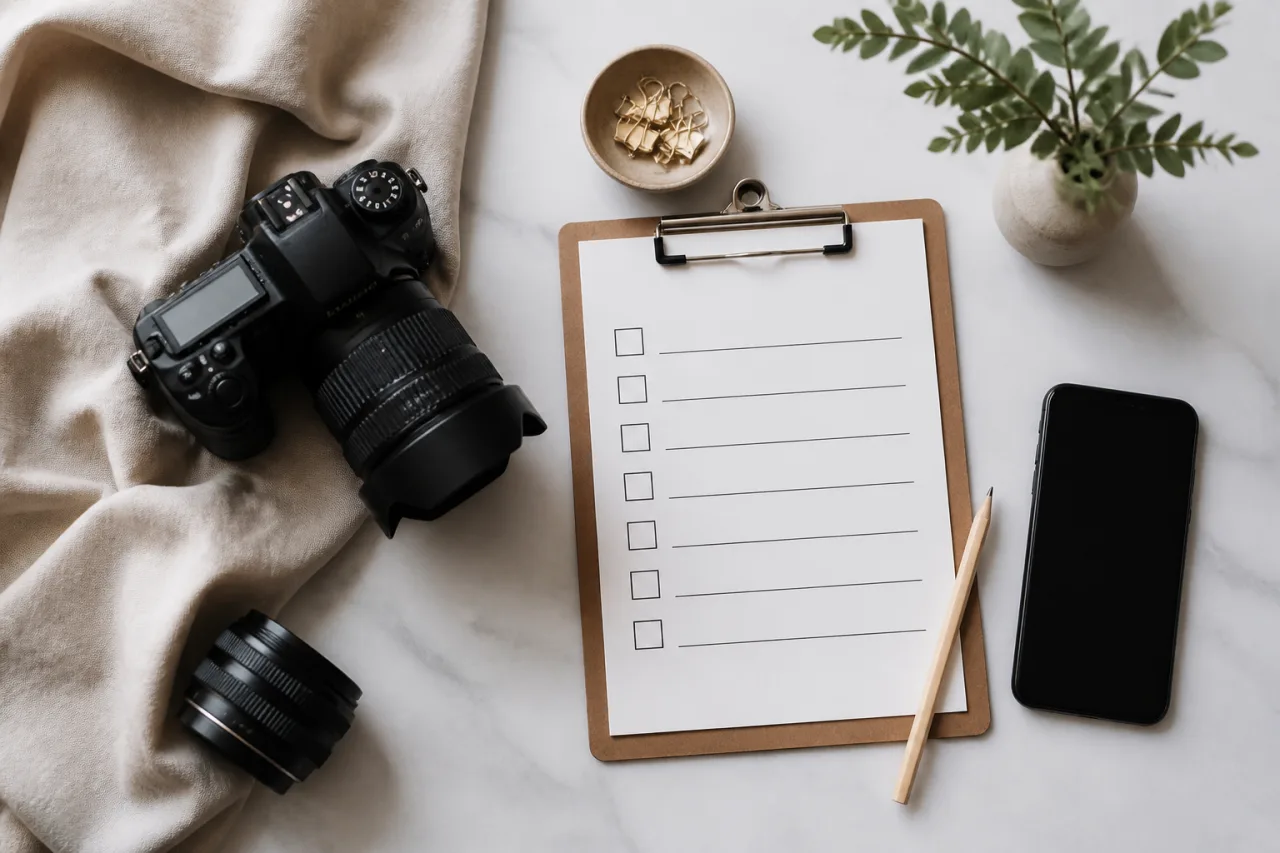
Shoot the agreed images in one organised batch rather than improvising between messages. Keep the written brief beside you and tick off each frame as it’s completed.
- Use neutral lighting: soft daylight or two matching lamps usually gives more consistent colour than mixed window and ceiling light. Avoid dramatic shadows unless they’re part of the brief.
- Take reference shots: capture a quick test frame for each setup. Check exposure, focus, background and styling before shooting the full sequence.
- Mark your position: small pieces of removable tape can show where the camera, feet and props belong. This prevents obvious jumps between similar images.
- Match the framing: keep camera height, distance, orientation and crop consistent across the set. Leave enough space around the subject to straighten or crop later.
- Check every frame: zoom in and look for mirrors, windows, glossy props, jewellery reflections, tattoos, mail, house numbers, screens and other identifying details.
Disable location tagging in your camera settings before shooting. Don’t post behind-the-scenes clips or live updates; even a harmless window view or timestamp can reveal where you are. Keep production posts, cloud storage and messages on separate business accounts rather than personal profiles.
Review metadata and filenames
Deleting visible clues isn’t enough. Photos may contain EXIF metadata showing GPS coordinates, capture time, device model and editing software. Use your phone’s privacy controls or a reputable metadata-removal tool, then inspect the exported files—not only the originals.
- Export copies into a dedicated order folder.
- Strip location and unnecessary device metadata.
- Rename files with neutral labels such as order482_01.jpg, avoiding your name, initials or birth year.
- Open every final file and confirm its dimensions, orientation and contents before uploading.
Keep originals in private storage if needed for corrections. Only the cleaned, consistently named delivery copies should leave your device.
Control previews and revisions before final delivery
Revisions can quietly turn one paid order into two or three unpaid shoots. Prevent that by defining what can be corrected, how feedback must be submitted and when the revision window closes.
Write a narrow revision policy
A revision is a correction to the agreed brief. For example, you might replace an image because the requested red polish looks orange under the lighting, the framing cuts off part of the foot or one of six agreed poses is missing.
A different outfit, background, prop, angle or pose isn’t a revision. It’s a new request. The same applies when a buyer approves the brief, then decides they’d prefer an entirely different concept after seeing the results.
Put the policy in writing before shooting. A practical version might say:
One correction round is included for issues that don’t match the approved brief. Please send all correction notes in one message within 48 hours of receiving the preview. New poses, styling, props, backgrounds or concepts will be quoted separately.
Ask for consolidated feedback rather than accepting scattered messages over several days. “Photo 3 needs the agreed side angle” is actionable; “Can you make the set more exciting?” isn’t. If the buyer misses the feedback deadline, treat the work as approved unless you’ve agreed otherwise in writing.
Do not send usable finals as a preview
Not every custom order needs preview approval. If the written brief is precise and the set is straightforward, you can complete your own quality check and proceed to delivery. When buyer approval is genuinely needed, send a low-resolution, watermarked contact sheet.
A contact sheet should show small numbered thumbnails, letting the buyer identify images without giving them files suitable for saving, reposting or cropping. Use a watermark across the centre rather than tucked into a corner. Keep the resolution low enough that enlarging an individual thumbnail produces an obviously poor image.
State exactly what the preview is for: checking compliance with the brief, not shopping through extra alternatives or directing a fresh shoot. After the buyer submits one correction round, make the agreed fixes and move to final delivery. If they request a new pose or wardrobe change, pause and send a separate quote before picking up the camera again.
Deliver files safely and close the order cleanly
Choose a delivery method that matches the risk
Marketplace delivery is usually the simplest option when the order was placed there. It keeps payment, messages and files tied to one transaction, which helps if either party disputes what was sent. The trade-offs are platform file-size limits, possible image compression and the marketplace retaining access under its own privacy policy.
For larger sets, use a privacy-conscious cloud service that supports encrypted storage, expiring links and access controls. Proton Drive and Tresorit are examples, though features vary by plan. Set the link to expire after 7 to 14 days, disable editing and resharing where possible, and grant access only to the buyer rather than using an open public link.
A password-protected archive is useful when you need to send several high-resolution files together. Create a ZIP or 7z archive with AES-256 encryption, upload it through your chosen service, then send the password through a separate channel. Don’t put the download link and password in the same email or message thread.
Use a dedicated seller email address if email is unavoidable. A personal address can expose your real name, profile photo, recovery details or connected accounts. Before sending anything, open the link in a private browser window and test both the download and the password.
Set a retention and deletion schedule
Tell the buyer how long the files will remain available. A practical policy is a 7-day download window, followed by another 7 days for reporting missing or corrupted files. This is a technical replacement window, not an invitation to request different poses or fresh edits.
Keep your working files only as long as you genuinely need them for delivery, accounting and dispute handling. For example, delete cloud copies after 14 days and local source files after 30 or 60 days, unless platform rules or legal record-keeping requirements call for longer retention. Remove expired shares manually if the service doesn’t do it automatically.
Finish with one clear message that records delivery and closes the scope:
“Your order has been delivered through the link above. It contains 12 JPG files licensed for your personal use only; no resale, reposting or commercial use is included. Please download them by 14 August and report any missing or corrupted files within 7 days. After that window, I can’t guarantee that replacement copies will remain available.”
Common mistakes when selling custom feet pictures
Most custom-order problems aren’t caused by the camera. They happen because one small shortcut creates room for disputes, unpaid work or unwanted contact. Watch for these common mistakes:
- Starting before payment clears. A friendly promise or payment screenshot isn’t money in your account. Wait for confirmed payment before buying props, preparing a set or taking photos. For larger orders, follow the written deposit schedule and don’t release final files until the balance clears.
- Accepting a vague brief. “Five cute beach shots” leaves the pose, footwear, framing and deadline open to interpretation. Reply with a numbered summary of the exact deliverables and ask the buyer to approve it in writing before you quote or shoot.
- Agreeing to unlimited revisions. This can turn a 10-image order into three reshoots and hours of unpaid messaging. State that the price includes one correction round for departures from the approved brief. Treat changed poses, outfits, props or concepts as a new paid request.
- Sending high-resolution samples. A buyer can crop out a small watermark or simply keep the preview. Use low-resolution contact sheets with a large, semi-transparent watermark crossing the subject. Send full-resolution, unwatermarked files only after all required payment has cleared.
- Revealing personal contact details. A private email address, phone number or personal social profile can expose your legal name and connected accounts. Keep messages on the marketplace where possible, or create separate business contact details that don’t sync with your personal profiles.
- Ignoring platform or payment-processor rules. A service may permit digital sales but prohibit certain content, wording or off-platform transactions. Read its acceptable-use and seller policies before accepting money, then keep records showing the order complied. Don’t disguise a prohibited transaction to force it through.
- Granting commercial rights by accident. “You can use them anywhere” may allow advertising, reposting or resale. Put the licence in writing: personal use only unless commercial use has been separately priced, with specific limits on platforms, duration, editing and sublicensing.
- Continuing after a boundary is crossed. Repeated sexual comments, pressure for personal details or attempts to renegotiate a firm “no” rarely improve. Send one clear closing message, save screenshots, then block and report the account. Don’t keep replying to appear polite.
Your custom feet pics order checklist
Before you accept a custom order, run through this list from top to bottom. If any step is unresolved, pause the job rather than hoping it’ll sort itself out later.
- Confirm adult status where appropriate. You must be legally old enough to sell, and the buyer’s request must not involve age ambiguity or anyone who may be underage.
- Screen the request. Check it against your boundaries, platform rules and local laws. Decline immediately if it involves coercion, illegal themes, personal meetings or repeated attempts to push past a “no.”
- Approve a written brief. Record the exact image count, poses, styling, props, background, orientation, file type, resolution and delivery date. Replace vague wording with numbers.
- Quote the full scope. Include setup time, special purchases, rush work, exclusivity and any unusual production requirements. State the total price before taking payment.
- Record usage rights. Specify personal or commercial use, whether reposting is allowed, and whether you may resell the images. Don’t leave ownership or exclusivity to assumption.
- Collect verified payment. Confirm that funds have cleared through your chosen marketplace or compliant payment method. A screenshot or “payment pending” message isn’t proof.
- Shoot only what was agreed. Don’t add risky poses or extra concepts because the buyer asks midway through production. Treat additions as a separate quote.
- Remove identifying data. Disable geotagging, strip location metadata and inspect every frame for faces, reflections, mail, windows, tattoos and recognisable belongings.
- Keep revisions limited. Accept corrections that bring the files into line with the brief. Charge separately for new poses, outfits, settings or creative directions.
- Deliver securely. Use the platform’s delivery system, an expiring cloud link or a password-protected archive. Confirm the reporting deadline for missing or corrupted files.
- Retain transaction records. Save the approved brief, payment confirmation, licence, delivery message and relevant correspondence for chargeback, dispute and tax purposes. Store only what you genuinely need.
Honestly, this process isn’t about making a small photo order feel bureaucratic. It gives you a clean reason to decline unsuitable work without getting dragged into an argument. It also shows reliable buyers exactly what they’re paying for, when they’ll receive it and what happens if something needs correcting.